AI Porn GIFs and Short Clips: Why Short-Form Wins and How to Loop It
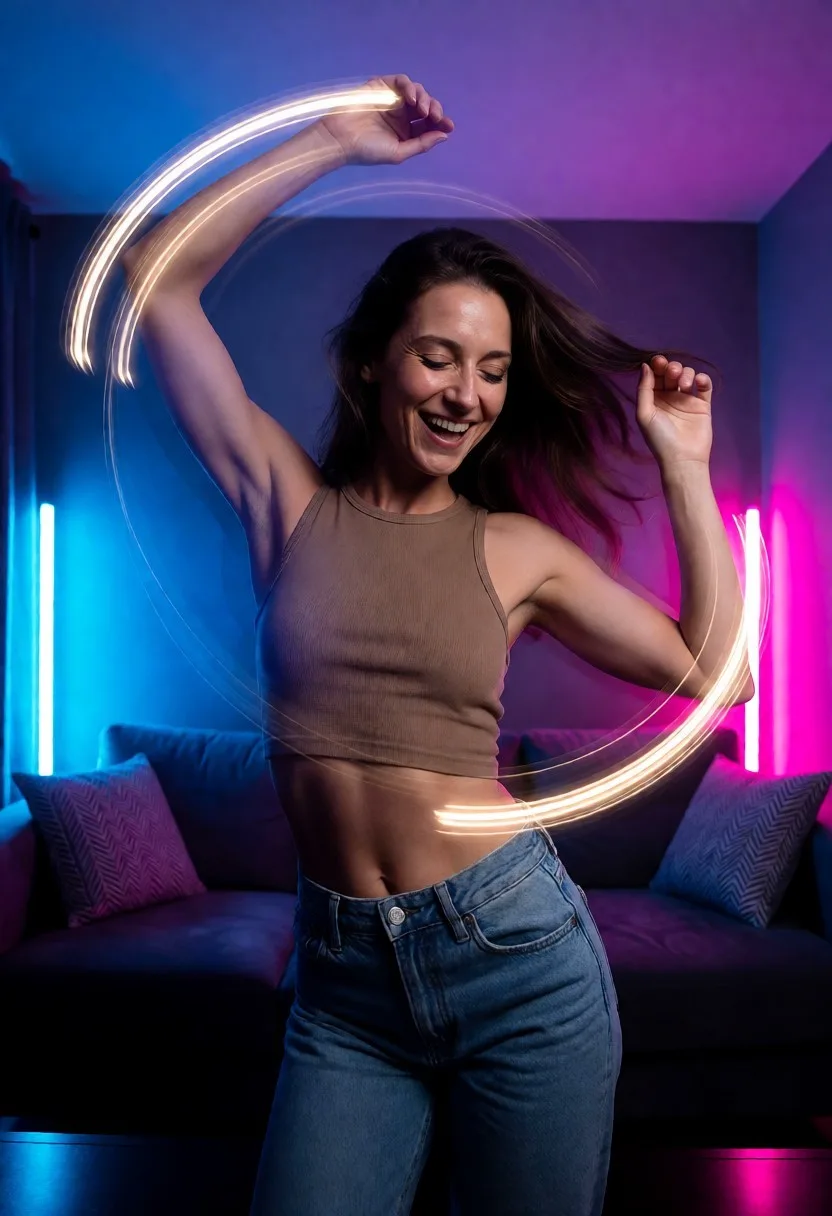
Short clips are where current AI video is honest with you: a few seconds of motion that a model can actually sustain, packaged in a format built for repetition. This guide covers why short-form outperforms longer generations, how to construct loops that do not visibly reset, and how to get from a strong still to a moving clip without burning credits.
It is for anyone weighing GIF-style output against full video generation, or already generating clips that almost loop. Everything here assumes fictional adult characters — the platforms worth using block real-people prompts outright, so build with characters you have created.
Why three good seconds beat thirty rough ones
Video models hold identity, lighting, and physics well for a handful of seconds, then errors compound: faces drift, limbs wander, the scene forgets itself. A short clip is not a compromise — it is the length the technology is currently good at. Asking for thirty seconds mostly buys you twenty-five seconds of decay.
The GIF format turns that limit into a strength. A loop has no ending to disappoint, so a well-chosen two-second beat can hold attention far longer than its runtime. The craft is picking the beat: one small, readable motion — a sway, a breath, a look toward camera — rather than a compressed scene.
This also changes how you spend attempts. Ten short generations teach you more per credit than two long ones, and short renders clear the queue faster, which matters when each job takes minutes rather than seconds.
Hiding the seam: loop construction in practice
A loop reads as seamless when the last frame could plausibly precede the first. That rules out one-directional actions — walking out of frame, a garment sliding off, a pour — and favors cyclical motion: rocking, breathing, hair in a breeze, a repeated glance. Prompt for the cycle explicitly and keep the camera static; camera drift is the most common reason a loop visibly jumps.
Even with a cyclical prompt, expect to trim. Cut the clip to whole cycles of the motion and drop any settling frames at the start where the model is still deciding what to do. And accept the batch reality: some generations will never loop cleanly no matter the trim, so produce several takes and select, the same way you would with stills.
The still does most of the work
The highest-percentage route to a good clip is image-to-video: lock a strong still first, then prompt only the motion. The still carries identity, lighting, and composition, so the video model has one job. Text-to-video asks it to invent everything at once, and with a specific character that usually means the character changes mid-clip. Getting that source still right is its own craft — covered in the guide to realistic AI porn images.
Two practical notes on tooling. Both text-to-video and image-to-video sit on the premium tier on most platforms, MyBabes among them, so plan free credits around stills and treat motion as the paid step. And if the platform supports persistent custom characters, a clip series stays consistent shot to shot — the same subject across ten loops, which is what makes a collection feel deliberate rather than scraped together.
Clip-first tools versus full video generators
Tools pitched at GIFs and short clips optimize for turnaround: short renders, loop-friendly defaults, minimal settings. Full video generators chase longer, more cinematic output and pay for it in queue time and per-clip cost — and, at current model quality, longer output means more visible decay. Neither class is wrong; they answer different briefs.
The pragmatic setup for most people is one platform that does stills well and adds motion on top, because the still-first workflow above depends on both living in one place. MyBabes fits that shape — realistic and anime styles for the source images, image-to-video on premium for the motion pass — and its daily free image credits let you build and judge the stills side before paying for the video side.
The formats and tools referenced above
On the GIF side, the AI sex GIFs page and the AI-generated porn GIFs page cover the format itself, the AI porn GIF generator page walks through making your own, and the AI XXX GIF page and AI nude GIF page cover the harder and softer ends of the spectrum.
For animated styles specifically, the AI hentai GIF page applies the looping approach to anime characters, and the AI hentai video page extends it to longer stylized clips.
When you are ready for full generation tools, the AI porn video generator page and the AI porn video maker page cover the core workflow, the free AI porn video generator page maps what is testable without paying, and the AI porn videos page and AI sex video page set expectations for finished output.
And for the still-first technique at the center of this guide, the image-to-video AI porn page explains the pipeline, with the free image-to-video page covering how far you can take it before the premium gate.
Put one still into motion
Start where the leverage is: use MyBabes’ daily free image credits — no card, email signup to generate — to lock a still worth animating, then premium adds image-to-video and text-to-video plus 2K watermark-free downloads when the clip is ready to keep.
Try MyBabes Free